You need to logout of Papercut and log back in. Follow these steps please
1.Please go to the Green Icon on the top of your computer screen that looks like this:  2.Then go to view my printers
2.Then go to view my printers3. In the bottom of this screen you will see Change Users

4. When you click change users you will get a box that says Change Users and Log in again? Click OK
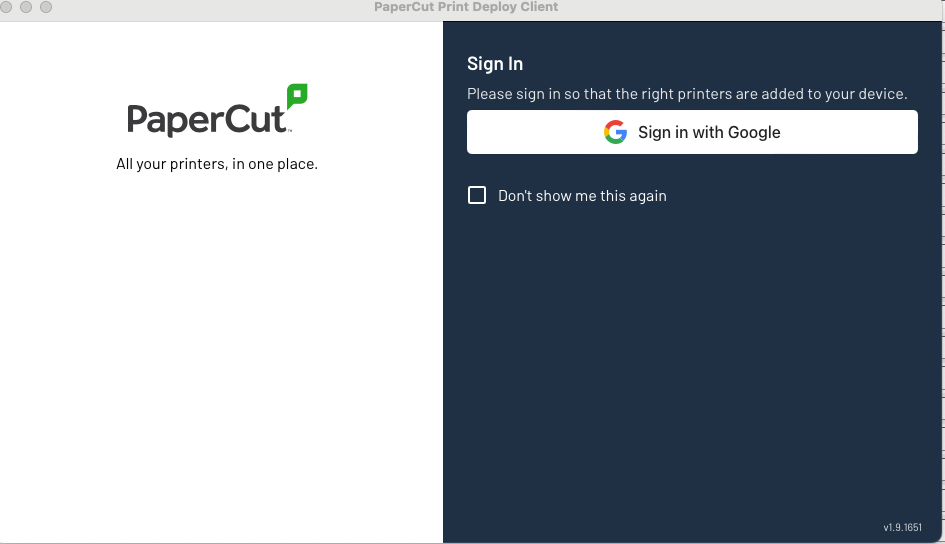
5. The Sign in with Google Page will appear
Was this article helpful?
That’s Great!
Thank you for your feedback
Sorry! We couldn't be helpful
Thank you for your feedback
Feedback sent
We appreciate your effort and will try to fix the article