It sounds like Local Network settings for Collage got turned off during the MacOS update.
Open System Settings, navigate down to and select Privacy & Security, then click on Local Network.
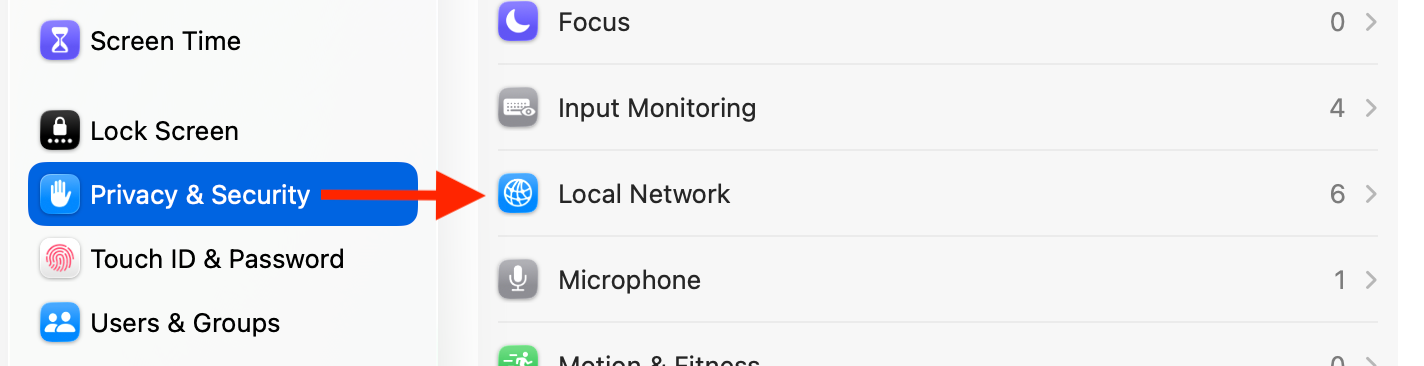

Open System Settings, navigate down to and select Privacy & Security, then click on Local Network.
Was this article helpful?
That’s Great!
Thank you for your feedback
Sorry! We couldn't be helpful
Thank you for your feedback
Feedback sent
We appreciate your effort and will try to fix the article